Before AI follows up your leads: consent, deliverability and handover
CRM vendors are adding AI agents that write and send follow-ups. Before you switch one on, make sure your emails are lawful, reach the inbox and hand leads to a person at the right moment.
CRM vendors have spent this autumn adding AI agents that can write and send follow-ups for you. Before you switch one on, get three things right: a lawful basis for every email, a sending domain that inbox providers trust, and clear rules for when the AI hands a lead to a person. This guide walks through each step.
Why does this matter now?
HubSpot has launched Agent Hub and Agent Builder as one place to build and manage AI agents, followed by its Fall 2026 Spotlight, and its Unbound 2026 event brought another round of announcements. Salesforce published 21 announcements from Dreamforce 2026, and one Salesforce partner's look at the Winter '27 release is headed "Agentforce Turns Itself On", focusing on auto-enablement.
In short, AI follow-up features may already be sitting in your CRM, or may arrive with the next update, whether or not you've planned for them.
The UK rules haven't loosened to match. The Data (Use and Access) Act 2025 raised penalties under PECR, the UK's electronic marketing rules, to UK GDPR levels, and it's coming into force in stages. The ICO has been updating its guidance too, including on legitimate interests and direct marketing. An automated follow-up is electronic marketing. Having AI write it doesn't change that.
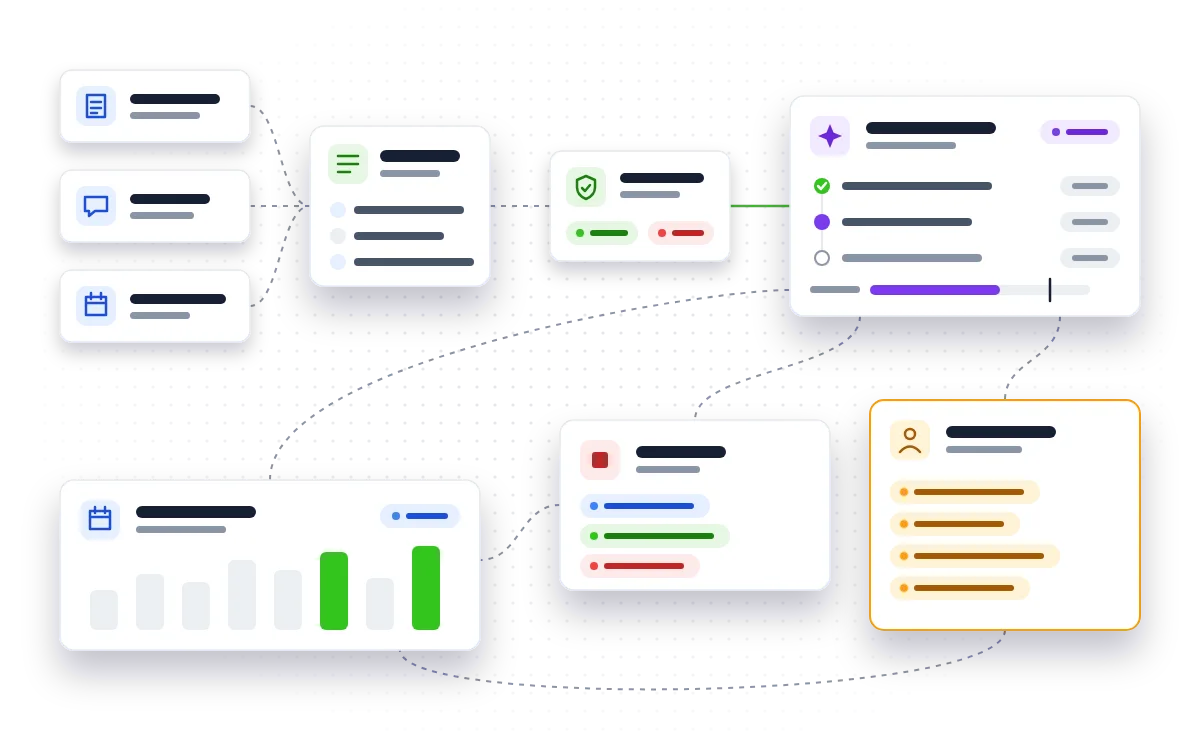
Step 1: Find out where every contact came from
Before any AI sends anything, you need to know why you're allowed to email each person.
- List every route leads arrive by: website forms, chat, booking pages, events, imported lists.
- For each route, note what the person agreed to and when.
- Store that as a field on the contact record in your CRM, not in someone's inbox or a spreadsheet.
- Exclude any contacts with no clear record from automated sequences until you've sorted them out.
The ICO's guidance on direct marketing using electronic mail explains when you need consent and when the soft opt-in may apply. If you're a small organisation, the ICO's direct marketing advice generator is a quick way to check your position.
Step 2: Check what your CRM's AI will actually do
Don't assume new features are switched off. Open your CRM's settings and find out:
- Which AI agents or assistants are enabled, and who turned them on.
- Whether they can send emails on their own or only draft them for review.
- Which contacts and fields they can read.
- Whether opt-outs and suppression lists apply to AI-sent messages in the same way as your normal campaigns.
If the answers aren't clear, set agents to draft-only until they are. A human clicking send is a sensible safety net while you build confidence.
Step 3: Get your sending domain ready
AI makes it easy to send far more email than before. Google, Yahoo and Microsoft require bulk senders to authenticate their domain with SPF, DKIM and DMARC, and to offer one-click unsubscribe. Poorly set up domains end up in spam, and AI follow-ups that nobody sees are wasted effort.
- Confirm SPF and DKIM are set up for every service that sends on your behalf, including your CRM.
- Publish a DMARC record. Starting in monitoring mode lets you see who is sending as you before you tighten it:
_dmarc.yourcompany.co.uk TXT "v=DMARC1; p=none; rua=mailto:[email protected]"
- Check that one-click unsubscribe works on AI-sent emails, and that unsubscribes flow back to the CRM straight away.
- Consider sending sequences from a subdomain so a problem doesn't affect your everyday email.
Step 4: Set limits on volume and tone
An AI that follows up too often or too pushily will annoy the people you most want to win.
- Cap the number of follow-ups per lead and the gap between them.
- Stop the sequence as soon as the person replies, books or opts out.
- Give the AI a short style guide: your tone, words to avoid, and what it must never promise, such as prices, delivery dates or discounts.
- Review a sample of AI-written emails each week, especially early on.
Step 5: Write clear handover rules
The biggest risk with AI follow-ups isn't a bad email. It's a good lead stuck talking to automation when they want a person. Decide in advance when the AI steps aside.
Useful triggers include:
- A website chat visitor asks about pricing, contracts or anything outside a defined list of topics.
- Someone books a consultation or demo through your online booking page.
- A reply contains a complaint, a question the AI can't answer confidently, or a request to speak to someone.
- A lead reaches a score or value threshold you've agreed with your sales team.
When a handover happens, the person picking it up should see the full conversation history in the CRM and get a notification with a clear deadline for responding. If you later want AI to make decisions with bigger consequences for people, keep an eye on the ICO's draft automated decision-making guidance.
Step 6: Start with one sequence and review it
Pick a single, well-understood journey, such as following up website enquiries that didn't book a call. Run it for a few weeks, then review it every couple of weeks:
- How many leads replied, booked or opted out?
- How many were handed over, and how quickly did someone respond?
- Did any emails go out that shouldn't have?
Only once that sequence is working should you add the next one. Short cycles like this catch problems while they're small.
Your pre-launch checklist
- Every contact in the sequence has a recorded source and lawful basis.
- You know which AI features are enabled and whether they send or only draft.
- SPF, DKIM and DMARC are in place, and one-click unsubscribe works.
- Follow-ups are capped and stop on reply, booking or opt-out.
- The AI has a style guide and a list of things it must never promise.
- Handover triggers are written down, and handovers land with a named person.
- A review date is in the diary.
What should you do next?
Start with Steps 1 and 2 this week: they cost nothing and tell you whether you're exposed today. If your CRM doesn't hold consent records cleanly, or your chat and booking tools don't pass leads into it properly, that's the first thing to fix. Our AI workflow automation and business process automation work covers exactly this kind of plumbing, and if you want a second opinion on readiness first, our consultancy is a good place to begin.
Want AI follow-ups that stay lawful, reach the inbox and hand warm leads to your team at the right moment? Let's set them up properly.
Talk to usQuestions people ask
Does an AI-written follow-up email count as marketing under UK rules?
Yes. If it's promoting your products or services, it's electronic marketing under PECR whether a person or an AI wrote it. The same consent and opt-out rules apply.
Should I let my CRM's AI send emails without anyone checking them?
Not at first. Set it to draft-only while you check its tone and accuracy, then allow automatic sending for low-risk sequences once you're confident in the results.
Can AI handle website chat and online bookings as well as email?
It can, as long as it's connected to your CRM so every conversation and booking is recorded in one place. The key is defining when the chat should hand the visitor to a person.
What if my CRM has switched AI features on automatically?
Review which features are active, what data they can access and whether they can send messages. Turn off or restrict anything you haven't approved until you've completed your checks.
Sources
- Meet Agent Hub and Agent Builder: One place to build and manage AI agents (www.hubspot.com)
- Fall 2026 Spotlight: HubSpot just made its most foundational product update (www.hubspot.com)
- HubSpot's Unbound 2026: The big announcements and updates (martech.org)
- 21 Things We Announced at Dreamforce 2026 - Salesforce (www.salesforce.com)
- Agentforce Turns Itself On: What Salesforce's Winter '27 Release Means (www.cetdigit.com)
- ICO Legitimate Interests 2026: UK GDPR & Direct Marketing (www.dma.org.uk)
- The Charitable Purposes Soft Opt-in – ICO issues updated direct marketing guidance (www.legal500.com)
- Guidance on direct marketing using electronic mail (ico.org.uk)
- Direct marketing advice generator (ico.org.uk)
- ICO Seeks Views on Draft Automated Decision-Making Guidance (www.dma.org.uk)